STEP 1
Grab Your License Keys
Find your license keys in your email
Check your inbox for an email from SendOwl.
The email contains your 5 set of unique 16-digit license keys that activates Sameness on multiple WordPress sites.
Can't find it? Check your spam folder, or contact support and we'll get you sorted as soon as possible.
STEP 2
Download & Install Sameness
1. Theme Zip File
Check your inbox for an email from SendOwl with your download link. If you prefer, you can download the theme directly below.
2. Install Theme Into Wordpress
Once downloaded, add Sameness to your WordPress site:
In your WordPress dashboard, go to Appearance → Themes.
Click on Add Theme → Upload Theme.
Upload the Sameness .zip file you just downloaded.
Upload and install theme. This may take a few minutes.
Click Activate
First time doing this?
No worries! We've got guides for both scenarios:
Setting up WordPress. Complete setup guide
STEP 3
Start Building
Start customizing your guidelines
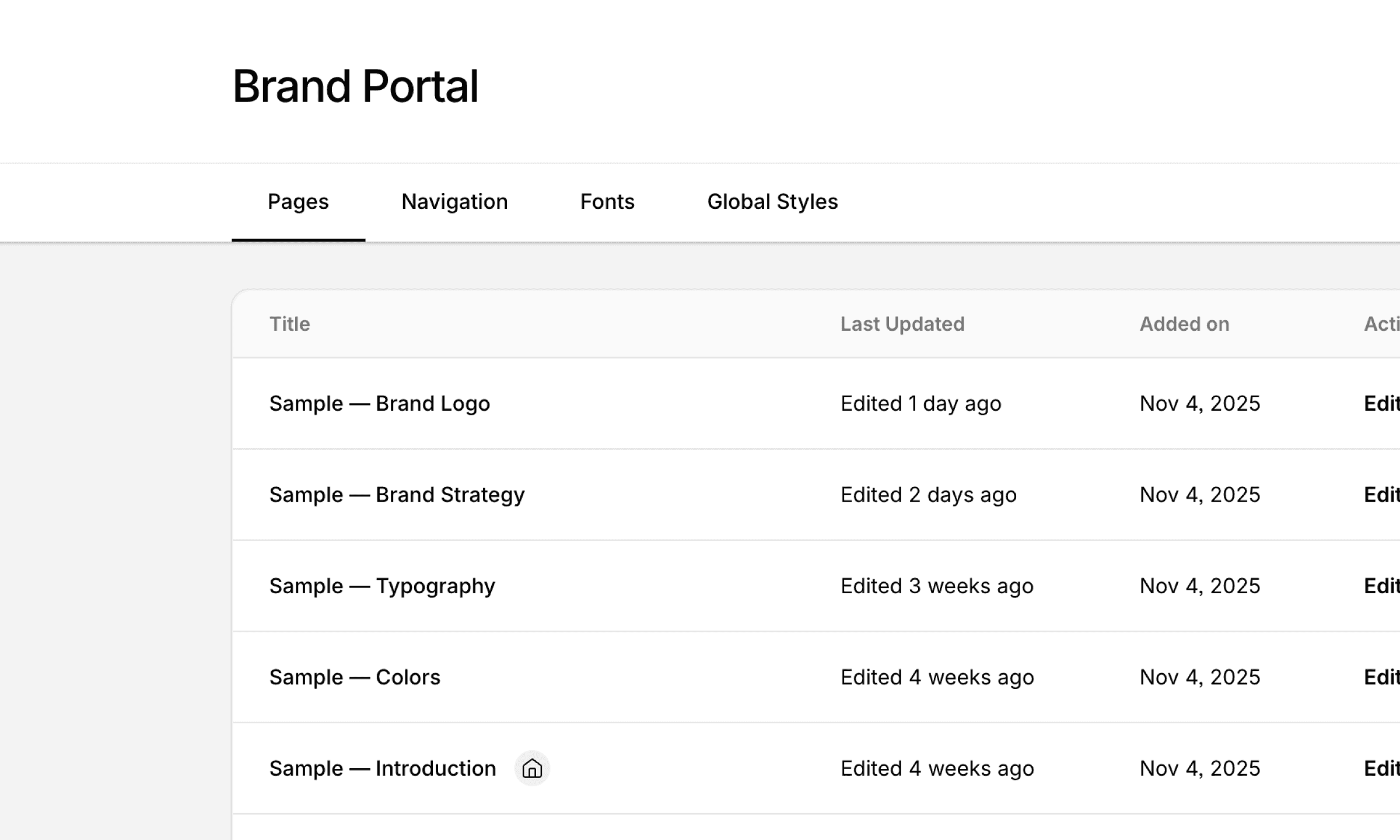
Good news! Sameness comes with sample pages and content already set up, so you're not starting from scratch. Just dive in and start editing to match your brand.
Resource Links
We've got guides for multiple scenarios:
Get the dashboard basics right. Learn the basics
Deep dives on blocks and their functions. Working with blocks
Support Center answers to common questions. Visit support
Watch our step-by-step and detailed guides on Youtube
Join Our Discord Community
Questions? Ideas? Bugs to squash? Our Discord is where it all happens. Connect with the team, swap tips with other users, flag issues, and vote on what we build next.
Your input shapes Sameness. So, come join the conversation.
Need More Help?
Reach out if you have questions about Sameness. We're here to help you get your online brand guidelines up and running.